Doll Games! - Hair Girls Salon3.0
Publisher Description

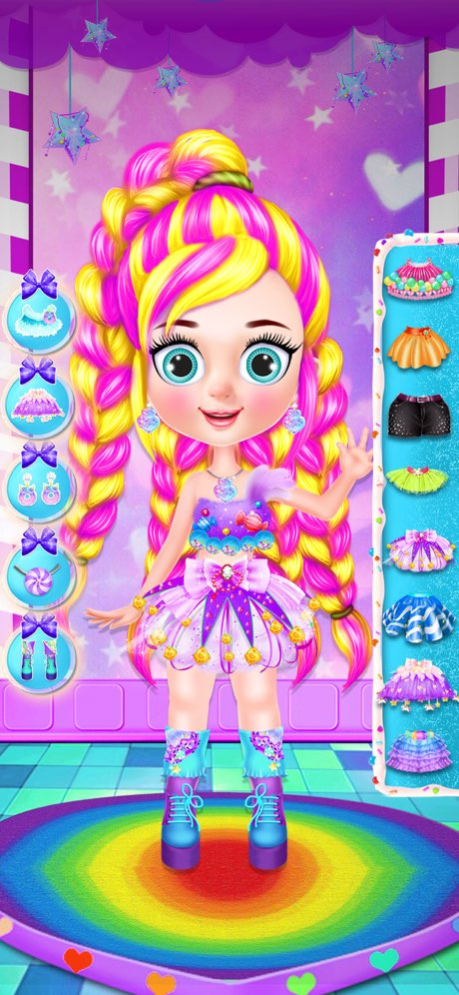

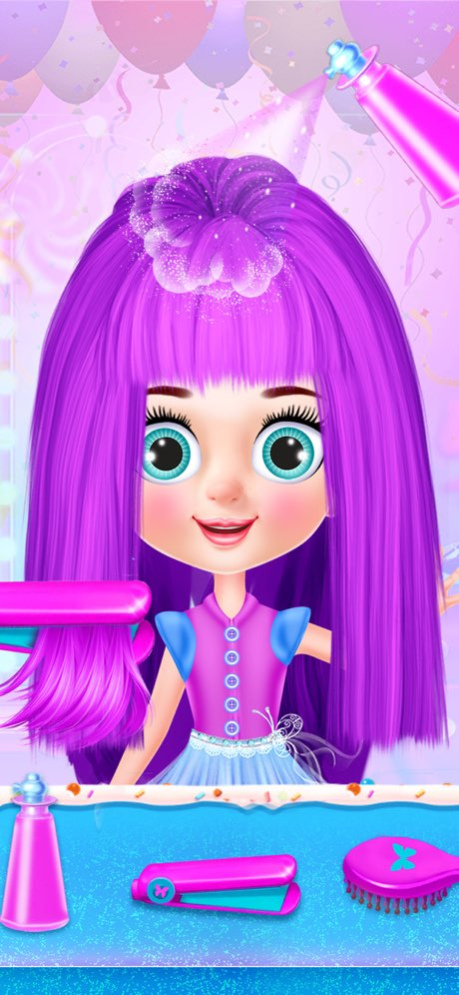
Girls Doll Dress up is an easy to play game, just select doll and follow along on this amazing doll Storytelling game. Have fun!
First start on Dolls Hairdressing Salon. Pick all tolls and make Doll hair style Amazing.
Brush! Curl! Paint! Cut! Style!
Next to Makeup level! Make Dolls face Shine!
Select all tools to paint, blush and apply eyelashes. Its Looking Amazing!
Time for Doll Dress up! Find all Fashion Styles here on Super Doll Shop! Get ready for the photoshoot. Everyone is wait for you outside! : )
Save Pictures of your looks !
Well done! Its fun fun fun!
Thanks for playing! Share your experience on Store.
Version History New Graphics and New Levels! : ) 3.0 08/18/2023 New Graphics and small updates : ) 2.0 09/15/2022 1.0 07/18/2022
About Doll Games! - Hair Girls Salon
The company that develops Doll Games! - Hair Girls Salon is Andre Scheidemantel. The latest version released by its developer is 3.0.
To install Doll Games! - Hair Girls Salon on your iOS device, just click the green Continue To App button above to start the installation process. The app is listed on our website since 2026-10-06 and was downloaded 1 times. We have already checked if the download link is safe, however for your own protection we recommend that you scan the downloaded app with your antivirus. Your antivirus may detect the Doll Games! - Hair Girls Salon as malware if the download link is broken.
How to install Doll Games! - Hair Girls Salon on your iOS device:
- Click on the Continue To App button on our website. This will redirect you to the App Store.
- Once the Doll Games! - Hair Girls Salon is shown in the iTunes listing of your iOS device, you can start its download and installation. Tap on the GET button to the right of the app to start downloading it.
- If you are not logged-in the iOS appstore app, you'll be prompted for your your Apple ID and/or password.
- After Doll Games! - Hair Girls Salon is downloaded, you'll see an INSTALL button to the right. Tap on it to start the actual installation of the iOS app.
- Once installation is finished you can tap on the OPEN button to start it. Its icon will also be added to your device home screen.
Program Details
System requirements
Download information
Pricing
Version History
version 3.0
posted on 2026-10-06
Version History New Graphics and New Levels! : ) 3.0 08/18/2023 New Graphics and small updates : ) 2.0 09/15/2022 1.0 07/18/2022
version 3.0
posted on 2023-08-18
Aug 18, 2023
Version 3.0
New Graphics and New Levels! : )
version 3.0
posted on 2023-08-18
New Graphics and New Levels! : )
version 2.0
posted on 2022-09-15
Sep 15, 2022
Version 2.0
New Graphics and small updates : )
